
Start Your Sweety Win Casino Registration in the UK
Create your account to place bets and play casino games. You need to sign in to access real-money games and submit bets. Verification keeps your account secure and enables withdrawals. You can use the website or the mobile app, and support is ready to help. New players can claim a welcome package: 175% for deposits from €20 (40x), 150% from €100 (40x), 125% from €200 (40x).
How to Sign Up on Sweety Win Casino Online
It takes a minute to create your account on the site. Here is how to register online in the UK.
Start
Click the button below.
Choose method
Register by email, mobile number, or social login (Google or Apple where available).
Provide details
Enter full name, date of birth, address, and email or mobile.
Secure access
Set a strong password, confirm you are 18+, and accept the Terms & Conditions and Privacy Policy.
Confirm
Submit the form and verify by email link or SMS code.
Registration via the Sweety Win Casino Mobile App
The app follows the same steps as the website, plus you may approve device permissions and push alerts. Have your ID ready to speed up checks.
Open the app
Open the app and tap Register.
Pick your method
Email, mobile number, or social account (Google or Apple where available).
Enter details
Enter personal details, set a password, and confirm age and terms.
Verify and KYC
Verify from the email or SMS message, then complete KYC in Profile when prompted.
What You Need Before You Register
You must be 18 or over and based in the United Kingdom. Use your legal name and current address. Keep a photo ID and a recent proof of address ready. Only one account is allowed per person. Payment methods must be in your name.
- Age and location: 18+ and in the UK when gambling.
- Identity: Valid passport or UK driving licence.
- Address: Utility bill or bank statement dated within the last 3 months.
- One account: One account per person, household, and device.
- Payments: Use a card or wallet in your own name; third-party methods are not accepted.
Sweety Win Casino Account Verification (KYC)
Verification is required under UK rules to protect you and support safe gambling. It enables deposits and withdrawals and helps prevent fraud. Complete it once to keep your account in good standing.
Email or mobile check
Click the link or enter the code sent to you.
Identity
Upload a clear photo of your passport or UK driving licence.
Address
Upload a recent utility bill or bank statement showing your name and address.
Payment method
Provide a masked card photo or e-wallet confirmation as requested.
Source of funds (if asked)
Provide a payslip or bank statement to confirm affordability.
Sweety Win Casino Login: Sign In to Your Account
You can access your account on the website or the app. Use the same credentials you used at registration.
Open
Select Sign in at the top of this page.
Enter
Type your email or mobile and password, or choose social sign in if you used it.
Confirm
Complete two-step verification if enabled and select Sign in.
Help
If you cannot access, use Forgot password to reset.
Welcome Bonus After You Register and Sign In
New players can claim tiered welcome bonuses for casino and sports betting. The offer is credited on your qualifying first deposit and carries 40x wagering. Read full terms in Promotions before you play.
- 175% bonus: Minimum deposit €20, wagering 40x.
- 150% bonus: Minimum deposit €100, wagering 40x.
- 125% bonus: Minimum deposit €200, wagering 40x.
How to Claim Your Welcome Bonus
Follow these steps to receive your welcome bonus after sign up. Make your deposit in one go to match the tier you prefer.
Opt in
Pick the welcome offer in the cashier or on the Promotions page.
Deposit
Pay at least €20, €100, or €200 to trigger the chosen tier.
Accept
Confirm the bonus in the cashier or pop-up.
Wager
Meet the 40x requirement within the stated time.
Registration Problems and Quick Fixes
Here are common issues and how to solve them. Contact support if the problem persists.
- No verification code received: Check spam, confirm the number or email, then request a new code. Contact support if nothing arrives.
- ID upload fails: Use a clear colour photo in JPG or PNG under the size limit. Try natural light. Contact support for a manual review.
- Address mismatch: Make sure your profile address matches your document. Update your profile or provide another proof. Contact support if unsure.
- Payment method in another name: Use a method registered to you. Support can advise on acceptable alternatives.
- Message that an account already exists: Use password recovery. If needed, contact support to recover the original account.
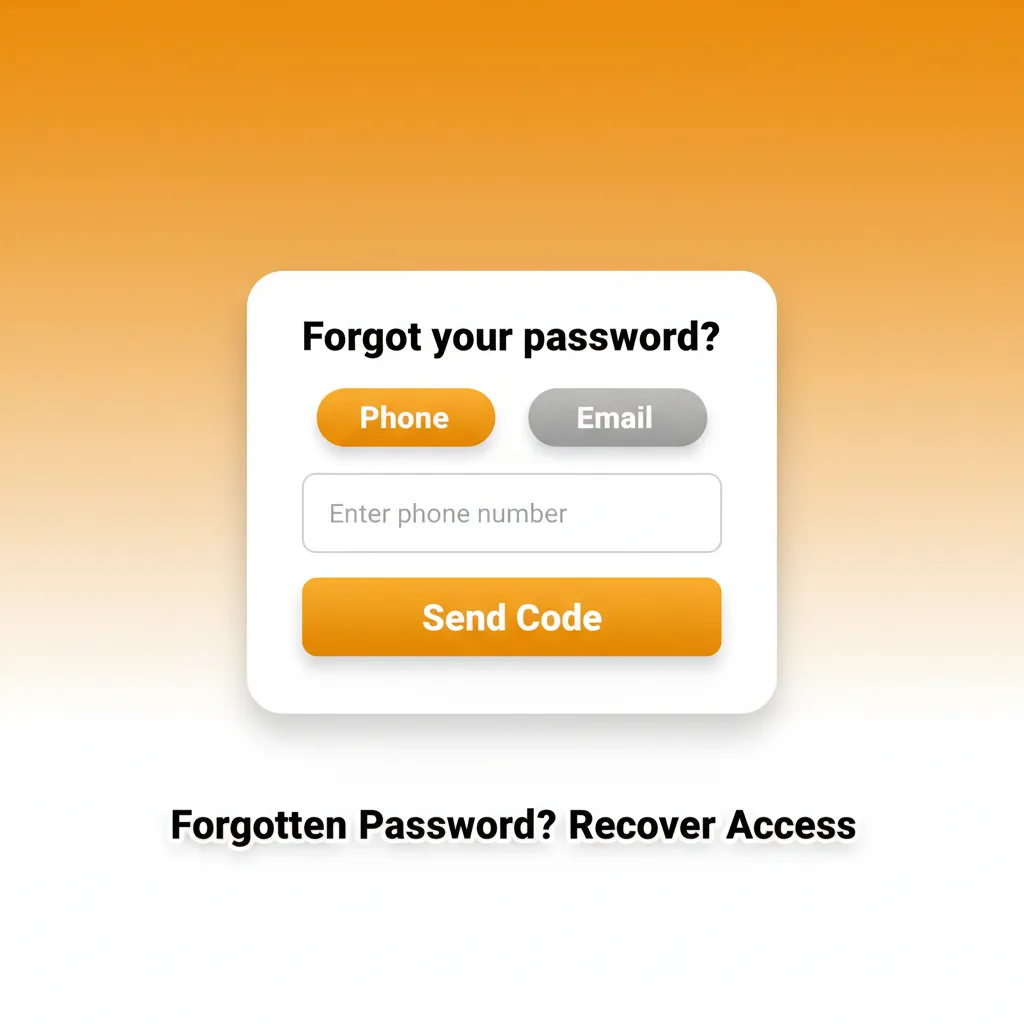
Forgotten Password? Recover Access
You can reset your password in a few steps. Choose email or SMS to receive a reset code.
- Go to Sign in and select Forgot password.
- Enter your registered email or mobile number.
- Choose reset method and follow the link or code sent to you.
- Create a new strong password and sign in.
- If you cannot access your email or phone, contact support for a manual reset.
How to Close or Delete Your Account
You may close your account if you need a break, created a duplicate, or for responsible gambling reasons. Here are the steps.
- Sign in and go to Account, then Responsible Gambling or Contact Us.
- Choose temporary suspension, self-exclusion, or permanent closure.
- Withdraw any remaining balance or request support to process it.
- Confirm your request by email as instructed by support.
FAQ
Do you need to verify before depositing?
You can browse and may deposit small amounts, but withdrawals and higher limits require completed KYC.
How long does verification take?
Most checks complete within minutes once documents are clear. Manual reviews can take up to 24 hours.
What devices support the mobile app?
Recent iOS and Android devices are supported. If your device is not compatible, use the mobile website.
Can you set limits on your play?
Yes. Set deposit, loss, and session limits in Account under Responsible Gambling. You can also take a time-out or self-exclude.
How are withdrawals processed after KYC?
Payouts go to the last used payment method where possible. Cards can take 1 to 3 banking days; e-wallets are usually faster.
Updated: